Riverside combines remote recording, editing, and publishing for podcasts and video interviews. It is useful when a session with guests needs to become both a full episode and shorter promotional clips.
Recording and editing workflow
Record a solo session or invite guests, then work with separate audio and video tracks. Riverside records locally and supports video up to 4K on eligible plans. Separate tracks let an editor adjust speakers individually rather than relying only on a mixed recording.
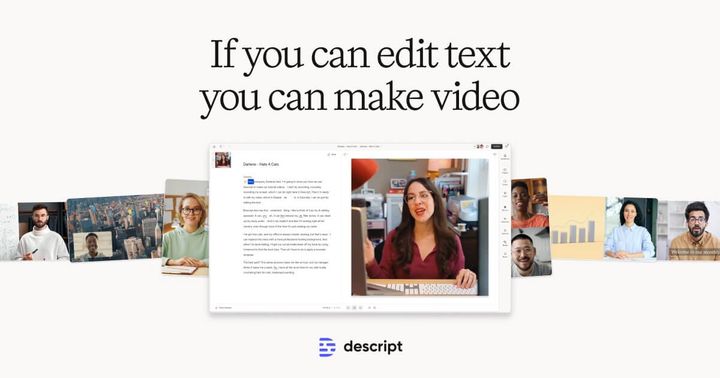
Its text-based editor lets you edit through the transcript. Audio enhancement and AI-assisted editing can help with cleanup; Magic Clips repurposes a recording into shorter videos. The platform also supports publishing to YouTube and podcast destinations.
When Riverside fits
A podcast team can use it to record a remote interview, edit the episode, and prepare social clips in one workspace. Marketing teams can use the same recording-to-clips workflow for interviews and webinars. Its main distinction is combining capture and post-production, rather than providing only an editor for existing footage.
Plan limits to check
The free plan lists a two-hour allowance for separate-track recording, 720p video, and a Riverside watermark. Higher-resolution recording, watermark removal, separate-track download allowances, and live-streaming options depend on the plan. Check these limits against the length and frequency of your sessions; free access does not include every recording and distribution feature.
Sources: Riverside product overview and plan comparison. Official information checked October 24, 2026; this is a product overview, not a hands-on test.